What Are the Best Practices for Mobile Computing on a Tight Budget?
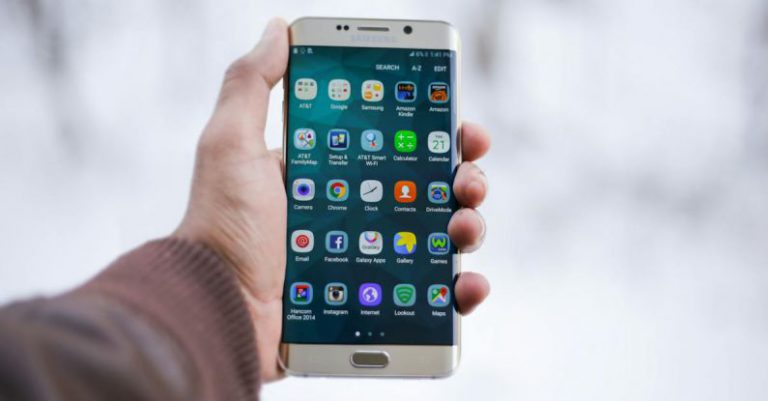
Mobile computing has become an essential part of our daily lives, allowing us to stay connected and productive on the go. However, for individuals and businesses on a tight budget, finding the best practices for mobile computing can be a challenge. In this article, we will explore some tips and strategies to help you make the most of your mobile computing experience without breaking the bank.
1. Evaluate Your Needs
Before diving into the world of mobile computing, it’s important to evaluate your specific needs. Consider what tasks you will be using your mobile device for and prioritize accordingly. This will help you determine what features are essential and what can be sacrificed to fit your budget.
2. Research and Compare
With a plethora of mobile devices available on the market, it’s crucial to do your research and compare different options. Look for devices that offer the features you need at a price point that fits your budget. Take advantage of online reviews and customer feedback to get a better understanding of the device’s performance and reliability.
3. Consider Refurbished or Pre-owned Devices
If you’re on a tight budget, consider purchasing refurbished or pre-owned mobile devices. These devices are often significantly cheaper than brand new ones and can still provide a reliable and satisfactory user experience. Just be sure to buy from reputable sellers and check for warranties or return policies.
4. Opt for Budget-friendly Operating Systems
When it comes to mobile computing, the operating system plays a crucial role in determining the overall user experience. While popular operating systems like iOS and Android offer a wide range of features, they can also come with a hefty price tag. Consider opting for budget-friendly alternatives like Android Go or KaiOS, which are designed to run efficiently on lower-end devices.
5. Utilize Cloud Storage
Mobile devices often come with limited storage capacity, especially those on a tight budget. To overcome this limitation, make use of cloud storage services like Google Drive or Dropbox. These services allow you to store your files, photos, and documents in the cloud, freeing up space on your device while still providing access to your important data.
6. Take Advantage of Productivity Apps
Mobile computing is not just about entertainment; it can also be a powerful tool for productivity. Take advantage of free or low-cost productivity apps to enhance your mobile computing experience. Apps like Google Docs, Evernote, and Trello can help you stay organized and productive on the go without spending a fortune.
7. Prioritize Battery Life
One of the biggest limitations of mobile computing is battery life. To make the most of your device on a tight budget, prioritize devices with long battery life. Look for devices with efficient processors and energy-saving features to ensure that your device can last throughout the day without needing frequent recharging.
8. Consider Data Plans and Wi-Fi Connectivity
Mobile computing relies heavily on internet connectivity. When choosing a mobile device, consider the cost and coverage of data plans offered by different service providers. Additionally, take advantage of Wi-Fi connectivity whenever possible to minimize data usage and reduce costs.
In conclusion, mobile computing on a tight budget doesn’t mean sacrificing functionality or performance. By evaluating your needs, researching and comparing options, considering refurbished devices, opting for budget-friendly operating systems, utilizing cloud storage, taking advantage of productivity apps, prioritizing battery life, and considering data plans and Wi-Fi connectivity, you can make the most of your mobile computing experience without breaking the bank. With careful planning and smart decision-making, you can stay connected and productive on the go without compromising your budget.