What Are the Best Open Source Alternatives to Expensive Software?
In today’s digital age, software has become an integral part of our lives. From office productivity suites to graphic design tools, we rely on software to perform various tasks efficiently. However, the cost of proprietary software can sometimes be a burden, especially for individuals and small businesses. Thankfully, there are open source alternatives available that are not only free but also provide comparable functionality. In this article, we will explore some of the best open source alternatives to expensive software.
Operating Systems: Linux vs. Windows
The operating system is the backbone of any computer, and while Windows is a popular choice for many, Linux offers a free and robust alternative. Linux distributions such as Ubuntu and Fedora provide a user-friendly interface and a wide range of applications for everyday use. Additionally, Linux is known for its stability, security, and customization options, making it an excellent choice for those seeking a reliable and cost-effective operating system.
Office Productivity: LibreOffice vs. Microsoft Office
Microsoft Office has long been the industry standard for office productivity suites, but LibreOffice offers a powerful open source alternative. With LibreOffice, you get a suite of applications including Writer (word processing), Calc (spreadsheet), Impress (presentation), and more. The interface is intuitive, and the compatibility with Microsoft Office file formats ensures that you can seamlessly work with documents created in either suite. Moreover, LibreOffice is constantly being updated and improved by a dedicated community of developers, making it a viable option for individuals and businesses alike.
Graphic Design: GIMP vs. Adobe Photoshop
Adobe Photoshop is synonymous with graphic design and photo editing, but the price tag can deter many users. Enter GIMP (GNU Image Manipulation Program), a free and open source alternative that rivals Photoshop in functionality. GIMP offers a wide range of tools and features for image editing, including layers, filters, and customizable brushes. While the interface may take some getting used to, GIMP’s extensive documentation and active community make it an excellent choice for graphic designers on a budget.
Video Editing: Shotcut vs. Adobe Premiere Pro
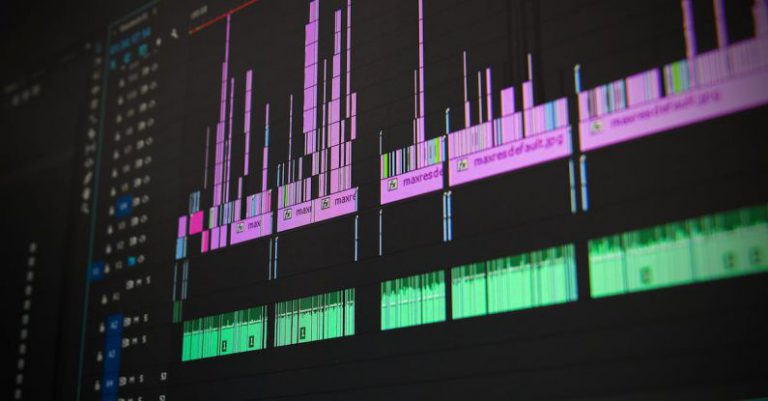
Professional video editing software like Adobe Premiere Pro can be costly, but Shotcut provides a free and open source alternative. Shotcut offers a user-friendly interface and supports a wide range of video formats and codecs. It features a timeline-based editing workflow, along with various video and audio effects. While it may not have all the advanced features of Premiere Pro, Shotcut is a capable video editing tool that can meet the needs of most users.
Web Browsing: Mozilla Firefox vs. Google Chrome
Google Chrome may be the most popular web browser, but Mozilla Firefox offers a fast and secure open source alternative. Firefox provides a customizable interface, extensive privacy settings, and a vast collection of add-ons and extensions. It also boasts excellent performance and compatibility with web standards. For those concerned about privacy and looking for a browser that respects their data, Firefox is a top choice.
Conclusion: Embracing Open Source Software
In conclusion, open source software provides a viable alternative to expensive proprietary software. Whether you’re looking for an operating system, office productivity suite, graphic design tool, video editor, or web browser, there are open source options available that can meet your needs. By embracing open source software, you not only save money but also contribute to a collaborative and transparent software development ecosystem. So, why pay for expensive software when you can get comparable functionality for free? Give open source alternatives a try and discover the power of community-driven software.