Can You Play Vr Games on a Budget Pc?
Virtual reality (VR) gaming has taken the gaming industry by storm, offering players a whole new level of immersion and excitement. However, many gamers believe that VR gaming requires an expensive high-end PC to run smoothly. But is that really the case? Can you play VR games on a budget PC? In this article, we will explore this question and provide some valuable insights for budget-conscious gamers.
Understanding VR System Requirements
First and foremost, it’s important to understand the system requirements for VR gaming. VR games are designed to run on powerful hardware to ensure smooth gameplay and prevent motion sickness. The two most popular VR platforms, Oculus Rift and HTC Vive, have similar minimum system requirements. They recommend at least an Intel Core i5-4590 or AMD FX 8350 processor, 8GB of RAM, and an Nvidia GTX 970 or AMD Radeon R9 290 graphics card.
Budget PC Options
While these recommended specifications may seem daunting for budget PC owners, there are still options available. With advancements in technology, budget-friendly components have become more powerful and affordable. It is now possible to build a PC that can handle VR gaming without breaking the bank. Here are some tips to help you get started:
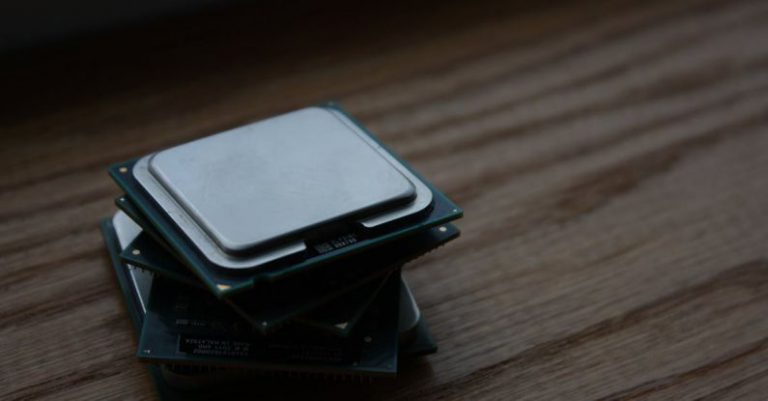
1. Choose the Right Processor: Look for a budget-friendly processor that meets the minimum requirements. AMD Ryzen processors, such as the Ryzen 5 2600, offer excellent performance at an affordable price.
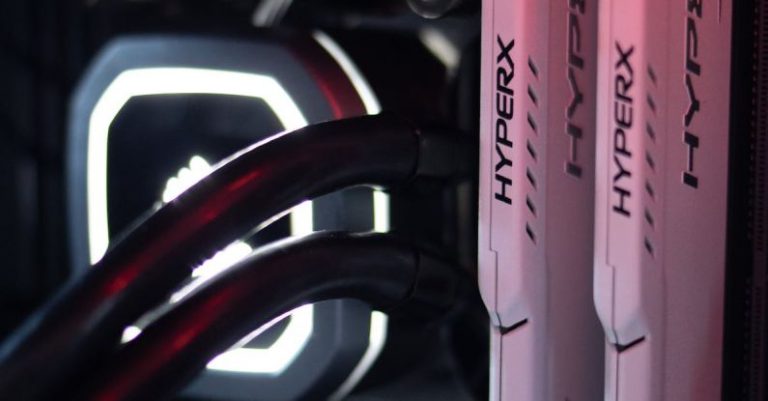
2. Opt for Sufficient RAM: 8GB of RAM is the minimum requirement for VR gaming, but it’s always better to have more. Aim for at least 16GB to ensure smooth gameplay and prevent any lag or stuttering.
3. Graphics Card Considerations: The graphics card is one of the most crucial components for VR gaming. While high-end cards like the Nvidia RTX 3080 may be out of reach for budget PC owners, there are still options available. The Nvidia GTX 1660 Super or AMD Radeon RX 580 are affordable choices that can handle most VR games.
4. Storage Solutions: VR games can take up a significant amount of storage space. Consider investing in a larger hard drive or solid-state drive (SSD) to accommodate your game library.
Optimizing Performance
Once you have assembled your budget PC, there are several steps you can take to optimize its performance for VR gaming:
1. Update Drivers: Ensure that all your drivers, especially your graphics card drivers, are up to date. This will ensure compatibility with the latest VR games and enhance performance.
2. Adjust Graphics Settings: VR games offer various graphics settings that allow you to balance performance and visual quality. Experiment with these settings to find the optimal balance for your system.
3. Close Background Applications: Closing unnecessary background applications can free up system resources and improve game performance. Make sure to close any resource-intensive programs before launching your VR game.
4. Monitor Temperatures: VR gaming can put a strain on your PC, causing it to heat up. Monitor your PC’s temperatures using software like MSI Afterburner and ensure that it remains within safe operating limits.
Conclusion
In conclusion, while VR gaming does require a certain level of hardware power, it is possible to enjoy VR games on a budget PC. By carefully selecting the right components and optimizing performance, you can have a satisfying VR gaming experience without breaking the bank. So, don’t let budget constraints hold you back from exploring the exciting world of virtual reality gaming.