How to Get the Best Performance from Budget Hardware?
We all know that investing in high-end hardware can significantly enhance the performance of our computers. However, not everyone has the budget to splurge on top-of-the-line components. The good news is that even with budget hardware, there are several steps you can take to optimize performance and get the most out of your system. In this article, we will explore some tips and tricks to help you maximize the performance of your budget hardware.
Optimize Your Operating System
One of the first steps to getting the best performance from your budget hardware is to optimize your operating system. Start by disabling unnecessary startup programs and services that consume valuable system resources. You can do this by accessing the task manager and disabling the programs that are not crucial to your daily tasks.
Additionally, make sure your operating system is up to date with the latest patches and updates. These updates often include performance improvements and bug fixes that can enhance the overall speed and stability of your system.
Manage Background Processes
Another important aspect of maximizing performance on budget hardware is managing background processes. Many applications and services run in the background, consuming system resources even when you’re not actively using them. To address this, close any unnecessary applications and disable any non-essential background processes.
You can also use task manager to monitor resource usage and identify any resource-hungry processes that may be affecting the performance of your system. By closing or limiting these processes, you can free up valuable resources for other tasks.
Upgrade Your Storage
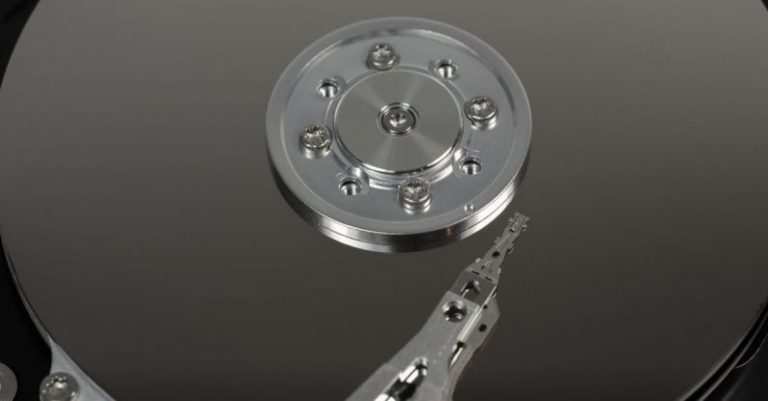
One of the most cost-effective ways to improve the performance of your budget hardware is to upgrade your storage. Traditional hard disk drives (HDDs) are slower compared to solid-state drives (SSDs), which can significantly impact overall system responsiveness. Consider upgrading to an SSD, as it can provide faster boot times, quicker application launches, and improved file transfer speeds.
If you’re on a tight budget, consider using a hybrid storage solution. This involves using a smaller SSD as a cache for frequently accessed data, while keeping your larger files on a traditional HDD. This can provide a balance between speed and storage capacity.
Optimize Your Graphics Settings
If you’re a gamer or regularly use graphics-intensive applications, optimizing your graphics settings can go a long way in improving performance on budget hardware. Lowering the resolution, reducing the level of detail, and disabling unnecessary visual effects can help ensure smoother gameplay and faster rendering times.
Some games and applications also provide built-in performance optimization settings that can automatically adjust graphics settings based on your hardware capabilities. Take advantage of these options to get the best performance without sacrificing too much in terms of visuals.
Keep Your System Clean and Cool
Lastly, it’s essential to keep your system clean and cool to prevent performance degradation. Dust and debris can accumulate in your computer’s components, leading to higher temperatures and reduced performance. Regularly clean the inside of your computer, especially the fans and heat sinks, to ensure proper airflow and cooling.
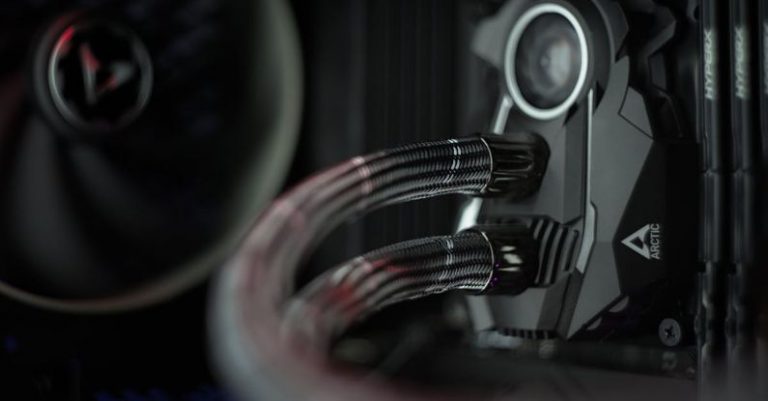
Consider investing in additional cooling solutions, such as aftermarket CPU coolers or case fans, to improve overall system temperature management. Lower temperatures can prevent thermal throttling, which occurs when your system reduces its performance to prevent overheating.
In conclusion, while budget hardware may not offer the same level of performance as their high-end counterparts, there are several steps you can take to maximize their capabilities. By optimizing your operating system, managing background processes, upgrading your storage, optimizing graphics settings, and keeping your system clean and cool, you can get the best performance out of your budget hardware. Remember, it’s all about making the most of the resources you have and finding the right balance between performance and cost.